
You’re looking for a mobility program, a nutrition guide, or a group class schedule on a sports and fitness website. You can’t remember the exact page name, and the main menu isn’t helping.
This is a common situation: most sports and health platforms organize their content into dozens of subcategories, without always offering an obvious shortcut to find what you’re looking for. A few simple browsing habits can help you locate the right resource in under a minute, even on mobile or with a screen reader.
Find a sports resource without knowing its category
Have you ever noticed that a website can contain hundreds of pages, yet none has the title you have in mind? An article about post-run stretches might be under “Training,” “Recovery,” or “Health Tips.” The category name depends on the site designer, not on your way of thinking.
Your first step should be to use the site’s internal search bar. On a well-designed sports and fitness website, it indexes page titles, descriptions, and sometimes the full content of each page. Enter a simple term: “stretching,” “yoga,” or “protein.” You’ll get a list of results ranked by relevance.
If the site’s search function is missing or ineffective, try another method: visiting the Sport et Form online sitemap gives you an overview of all the pages grouped by category. This type of page, known as a “sitemap” in web terminology, lists the entire site structure. Scan the headings as you would a table of contents.
A third, lesser-known option is to type the site name followed by your keyword directly into Google. For example, “sportandform.fr joint mobility.” Google searches the site for you and displays the most relevant pages.
Mobile navigation and accessibility: common pitfalls
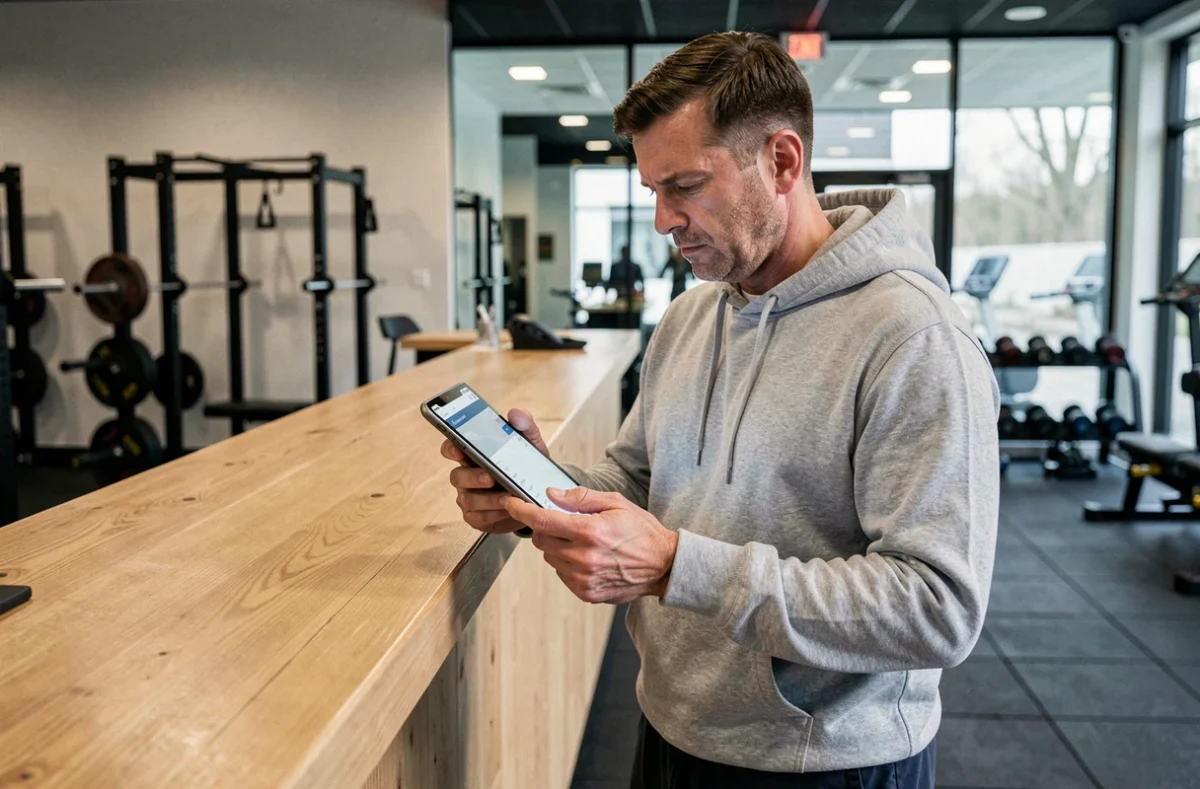
On a phone screen, the main menu is often reduced to an icon (three horizontal lines). The subcategories are stacked behind it. Multiple levels of nested menus make navigation cumbersome on a small screen.
Since January 2025, the breadcrumb trail (the “Home > Training > Mobility > Exercises” line displayed at the top of a page) no longer appears beneath Google search results on mobile. This visual cue is still available on desktop, but on a phone, you’ll only see it if the website displays it on its own pages.
So check whether there’s a breadcrumb trail at the top of the article you’re viewing: it shows exactly where you are in the site structure and lets you go back one level.
Using a screen reader on a sports website
Websites run by public sports organizations must comply with RGAA, the French web accessibility standard. It requires menus to be keyboard-accessible, links to have descriptive labels, and search forms to be properly labeled.
A keyboard-accessible menu also makes it possible to navigate with a screen reader. In practice, users move through links with the Tab key and activate the one they want with Enter. If labels are vague (“Click here,” “Learn more”), the screen reader provides no useful information.
Since June 28, 2025, European digital accessibility requirements have also applied to certain commercial online services. A sports and fitness website that sells subscriptions, classes, or equipment may be covered, depending on its size and services. This change is encouraging platforms to improve their navigation, benefiting all visitors.
How sports and fitness websites are organized: quick navigation tips
Sports and health websites are generally organized by topic. Understanding this structure can save you time.
- A “Training” or “Programs” section brings together workout plans, video sessions, and technical guides for different disciplines (strength training, cardio, stretching).
- A “Nutrition” or “Health” section contains dietary guides, recovery tips, and sometimes calculation tools (calorie requirements, hydration).
- A “Community” or “Club” section provides access to forums, local events, and group class registration.
- A “Tools” or “Services” section offers interactive features such as progress tracking, personalized schedules, and coach or gym searches.
Recognizing these four main categories is enough to navigate most sports websites. The names may vary, but the structure is usually the same.

Structured data and visible hierarchy
Some websites use structured data (such as the BreadcrumbList type) to describe their structure to search engines. This technical markup doesn’t change what you see on the page, but it can improve how the site appears in Google search results on desktop.
What really helps is a hierarchy that’s visible directly on the website. For example, a displayed path such as “Home > Training > Mobility > Exercises” immediately shows you where you are. Without this cue, you have to return to the main menu every time you move to a different page.
Three habits to help you find useful pages again
Once you’ve found a resource, you’ll want to be able to return to it. Here are three simple habits:
- Bookmark the page in your browser (the star icon in most mobile browsers). Organize your bookmarks by topic so you can find them again.
- Copy the page address (URL) and paste it into a note or a message to yourself. The URL is the only stable identifier for a web page.
- Use the sitemap as your starting point whenever you return to the platform, rather than navigating from the homepage, which often highlights new content instead of evergreen resources.
The sitemap remains the most reliable shortcut to all the site’s sections, especially when the homepage prioritizes news. On mobile, it saves you from opening multiple levels of menus. With a screen reader, it presents all the links in a linear format, without complex interactions.
No sports and fitness platform will be perfect for every visitor. But by combining internal search, the sitemap, and the breadcrumb trail, you can cover the three most common scenarios: finding a page without knowing its name, understanding where it sits within the site, and returning to it later with ease.